

Collaborating with the whole class
In a class of 30 students, it can be challenging for everyone to have a voice. All students can contribute when working in files such as:
- Microsoft or Canva whiteboards
- Google docs or shared Word documents
- a page in the collaborative section of a Class Notebook in Microsoft Teams.
Online collaboration tools allow for multi-modal contributions, including text, images, annotations, weblinks, and embedded documents and media.
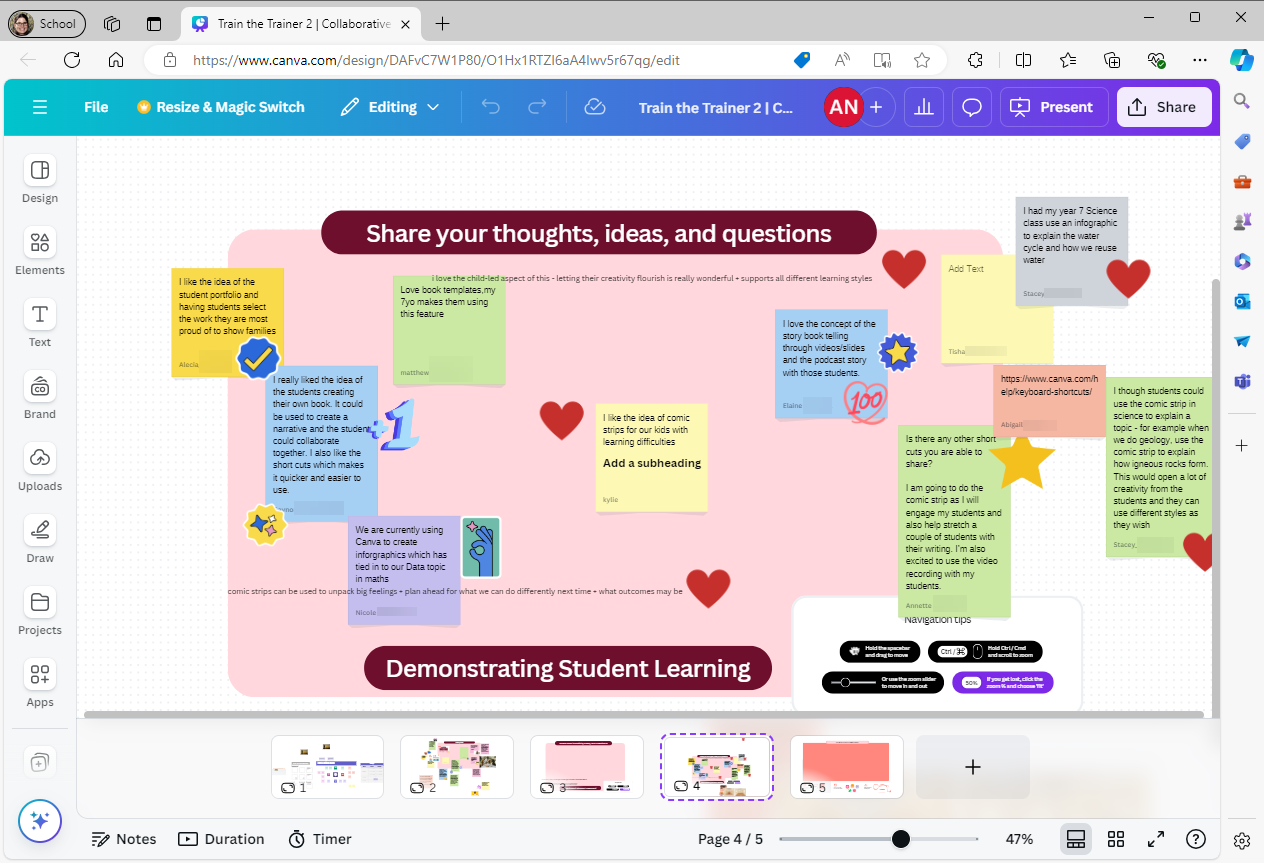
Working on the same document in real-time
Cloud-saved files allow everyone to collaborate and work from the same version, fostering teamwork and enabling real-time clarifications. Documents can be shared with various permissions, defining different roles for view, edit and comment access. Find out more in this article about file sharing.
Group work and assignments
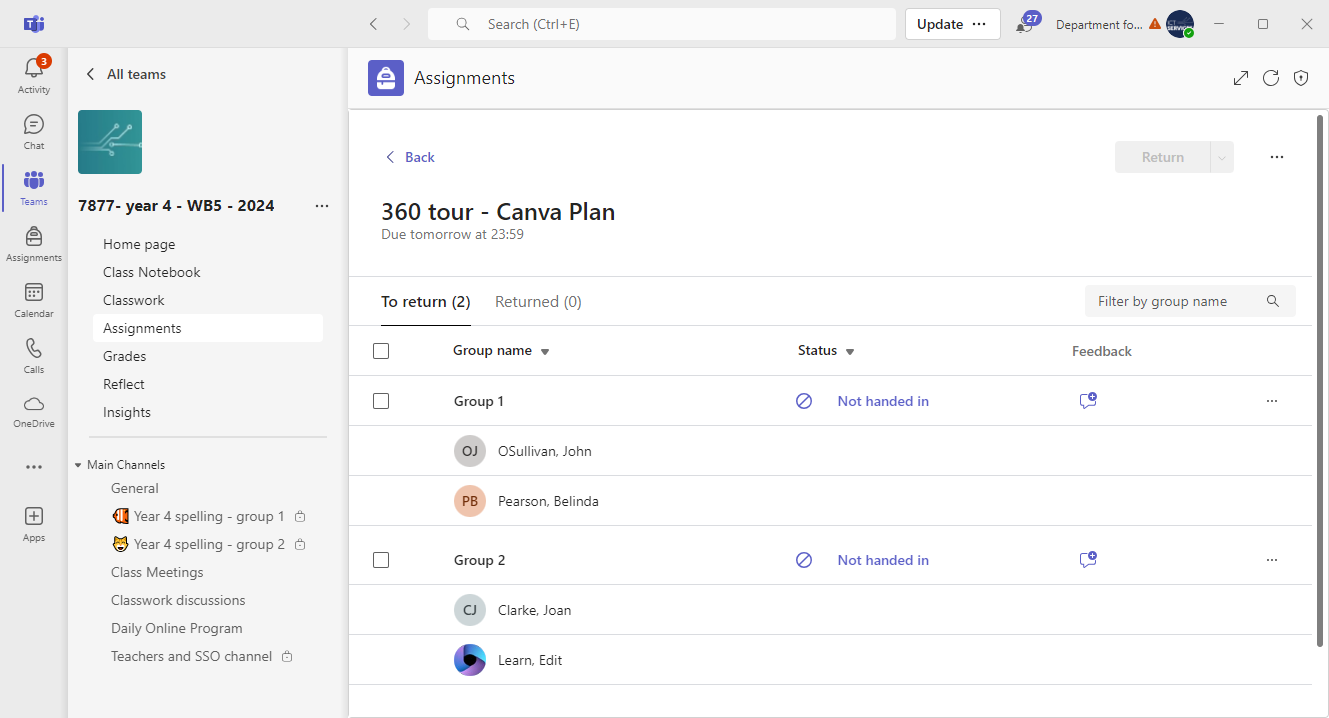
Learning Management Systems (LMS) like Class Teams offer inbuilt functions for group assignments.
Teachers can monitor student progress and provide feedback before or after work submission. This gives you the opportunity to support students who may need help with time management and organisation.
Collaborative planning
Online collaboration tools make planning with colleagues seamless. Setting up a master Class Team or Google Classroom allows all teachers to contribute and access the same resources, enabling clarity across subjects and year levels.
Documenting student learning
Online collaboration tools provide a space for teachers and support staff to share notes about students' learning. In Class Teams, private channels can be created for this purpose. In Class Notebook, a section can be created in the Teacher section for recording important information or anecdotal notes.