
Minecraft Education offers 2 key features designed to adjust game settings to suit your teaching needs and classroom environment and manage how your students interact with their virtual classroom.
These features are:
- in-game commands and special blocks
- a companion app for educators called Minecraft Education Classroom Mode.
Commands and special blocks
Key features include:
- ability to teleport students – use the teleport command to move players to set coordinates within the game
- ability to restrict student movement – use a combination of border blocks and commands to restrict student movement or use a prebuilt starter world
- direct in-game chat with students – when you host the world and invite students to join it through a code you can use hit ‘t’ to chat with students
- non-player characters (NPCs) – you can use NPCs to give instructions, provide hints or offer background information to students
- chalkboards – you can add chalkboards to display information, write lesson objectives or pose questions within the Minecraft world
- portfolio feature – students can document their creations using screenshots and text for assessment purposes
- enhanced multiplayer – Minecraft Education uses secure servers and provides features specifically for classroom collaboration.
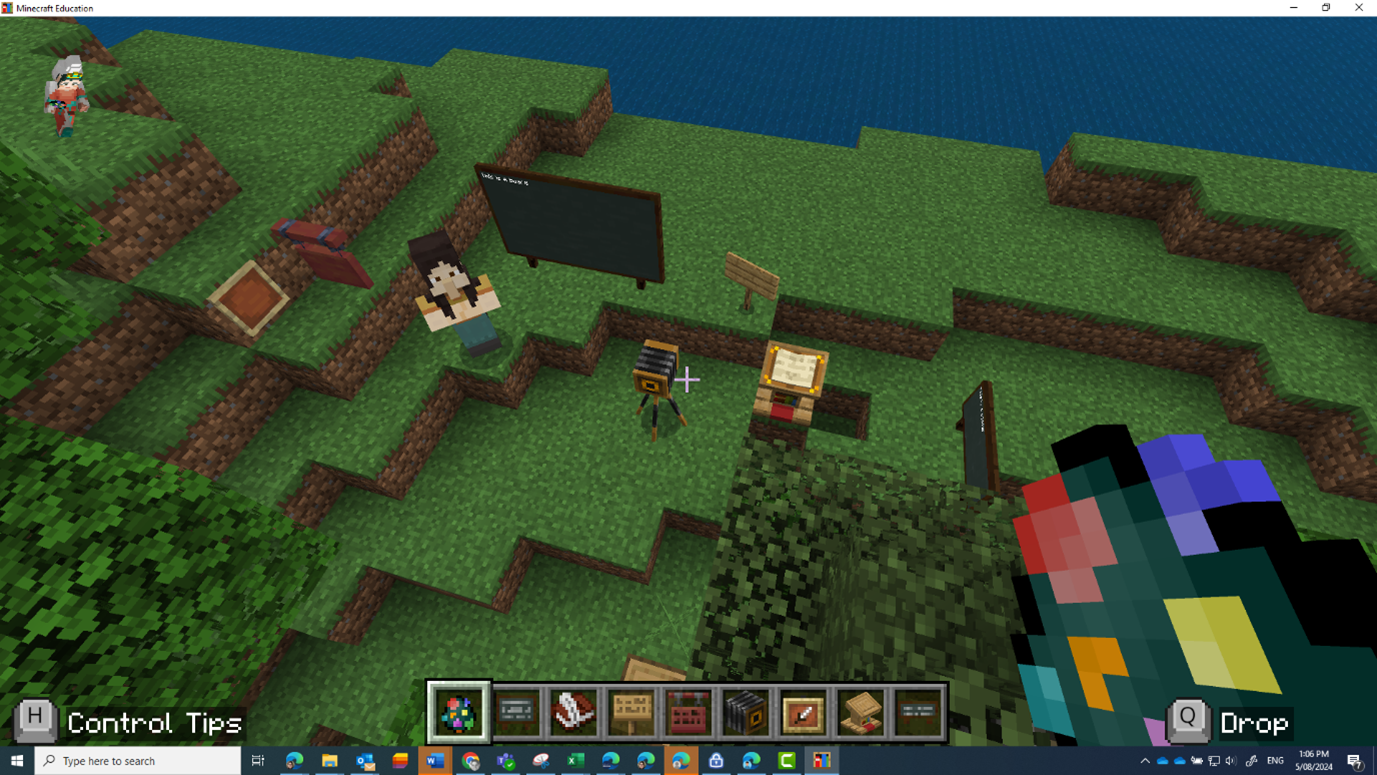
Find out more about:
- commands in depth
- specialty blocks (Allow, Deny, Border, Structure)
- assessment tools (Cameras, Portfolio, Book & Quill
- Using non-player characters (NPCs) to guide your students in Minecraft Education.
Classroom Mode companion app
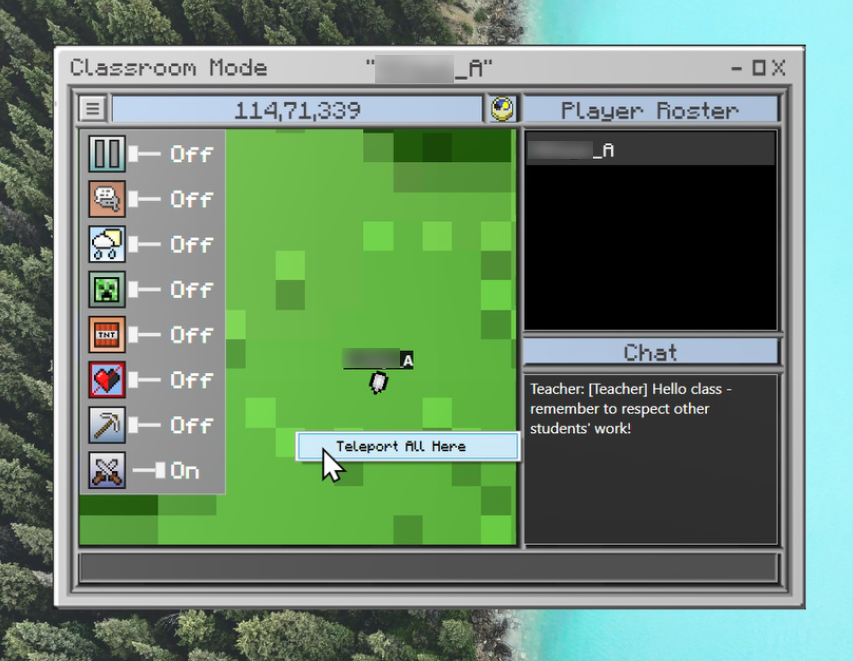
For additional teacher management features you can opt to install Classroom Mode. When a teacher hosts a world with Classroom mode installed they can:
- toggle on game options and settings such as the weather
- pause the game for all players
- view players on a game world map and teleport them without using commands
- communicate with student through chat.
Find out more:
Education resources
You can choose from hundreds of ready-to-use teaching resources for various subjects. Browse the Minecraft lesson library. Many resources in the library don’t align with our South Australian context. Use judgement when selecting resources and modify accordingly.