Using digital video tools with the flipped classroom approach
The flipped classroom approach provides students with instructional material to review outside of class and class time is reserved for interactive activities. You can use various digital tools to make it work effectively.
Curating and creating instructional resources
Teachers can access many sources of pre-made content suitable for students. If your school has access to a video platform like ClickView, there are collections of videos mapped to curriculum outcomes. Be aware that certain sites like YouTube may block student access due to potential filters.
You can also create your own content using various apps through the department.
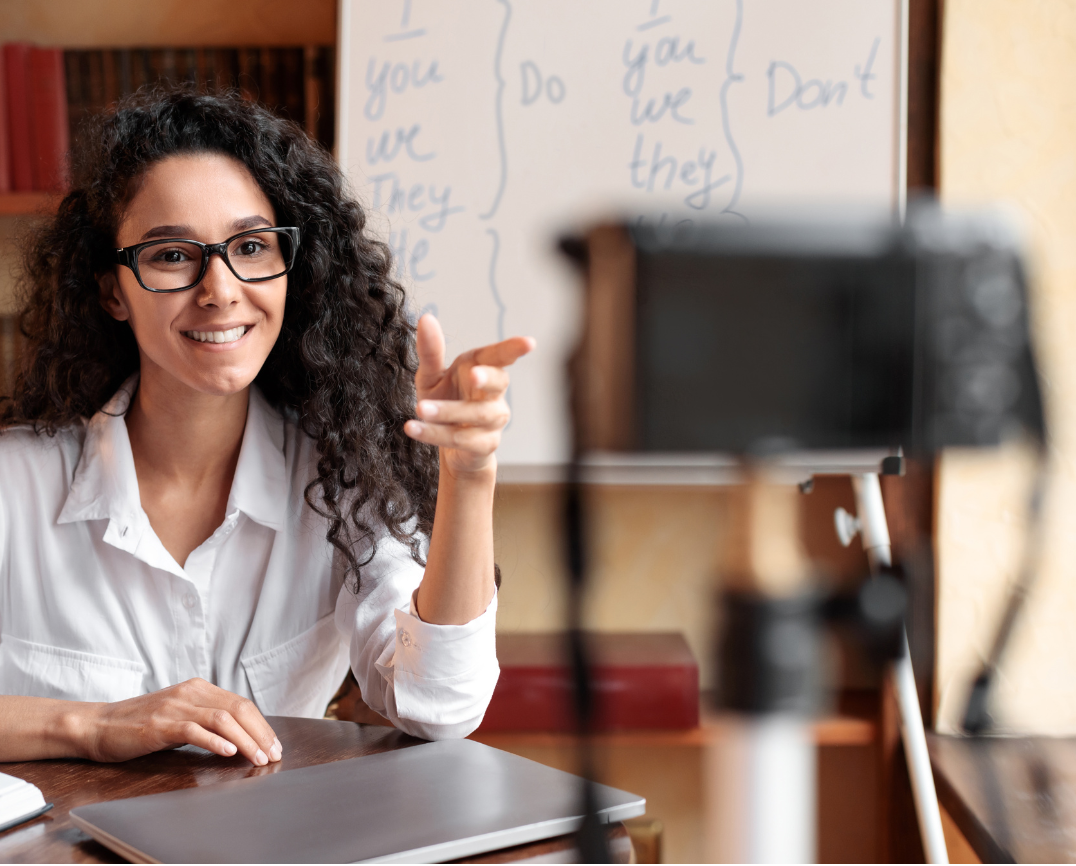
Video recording and editing applications
Several applications can be used for recording and editing video content:
- Microsoft Stream is a web-based application that lets you record your screen, create presentations, annotate the screen and record via your webcam.
- PowerPoint allows you to record a PowerPoint presentation or your screen, with the option to include your webcam.
- Microsoft Teams provides the ability to set up a meeting with yourself and record the session.
- Canva’s video recording function allows you to record your screen and create and edit simple videos.
Adobe Expresslets you to create and edit simple videos by adding pre-recorded elements. School access to Adobe is required.Adobe Premier Proenables industry-standard video editing. An Adobe Creative Cloud account is required.
Tips for creating good quality videos
Here are a few tips to improve the quality of your videos:
- invest in a quality microphone
- record in a small space to reduce feedback and echo
- increase the size of your mouse cursor if recording your screen
- keep videos short and to the point (under 5 minutes is best)
- regularly update videos that are software specific.
Sharing your content
Videos can be large in size. If possible, upload your videos to your learning management system (LMS) and then share the link with your students.
If you're uploading videos to a public space like YouTube or Vimeo, make sure you’ve blurred out any sensitive or identifying words or images before uploading.
Consider creating a school-wide library of videos for students and colleagues to access.
Incorporating the flipped learning approach to your pedagogy can support diverse learning styles. This pedagogical shift can be easily integrated into your teaching practice with digital tools.