
Creating engaging content with Canva Videos
Canva Videos is a versatile online tool for creating a variety of media products. This user-friendly platform allows both educators and students to generate engaging video content.
Video creation is quick and easy with a plethora of templates for different formats and smart editing tools like background removal or Magic Design for Video.
By default, Canva Magic is currently only turned on for staff within the global tenancy. Schools have the option to activate Canva Magic for students – find out more on Canva for Education – school administration (edIT).
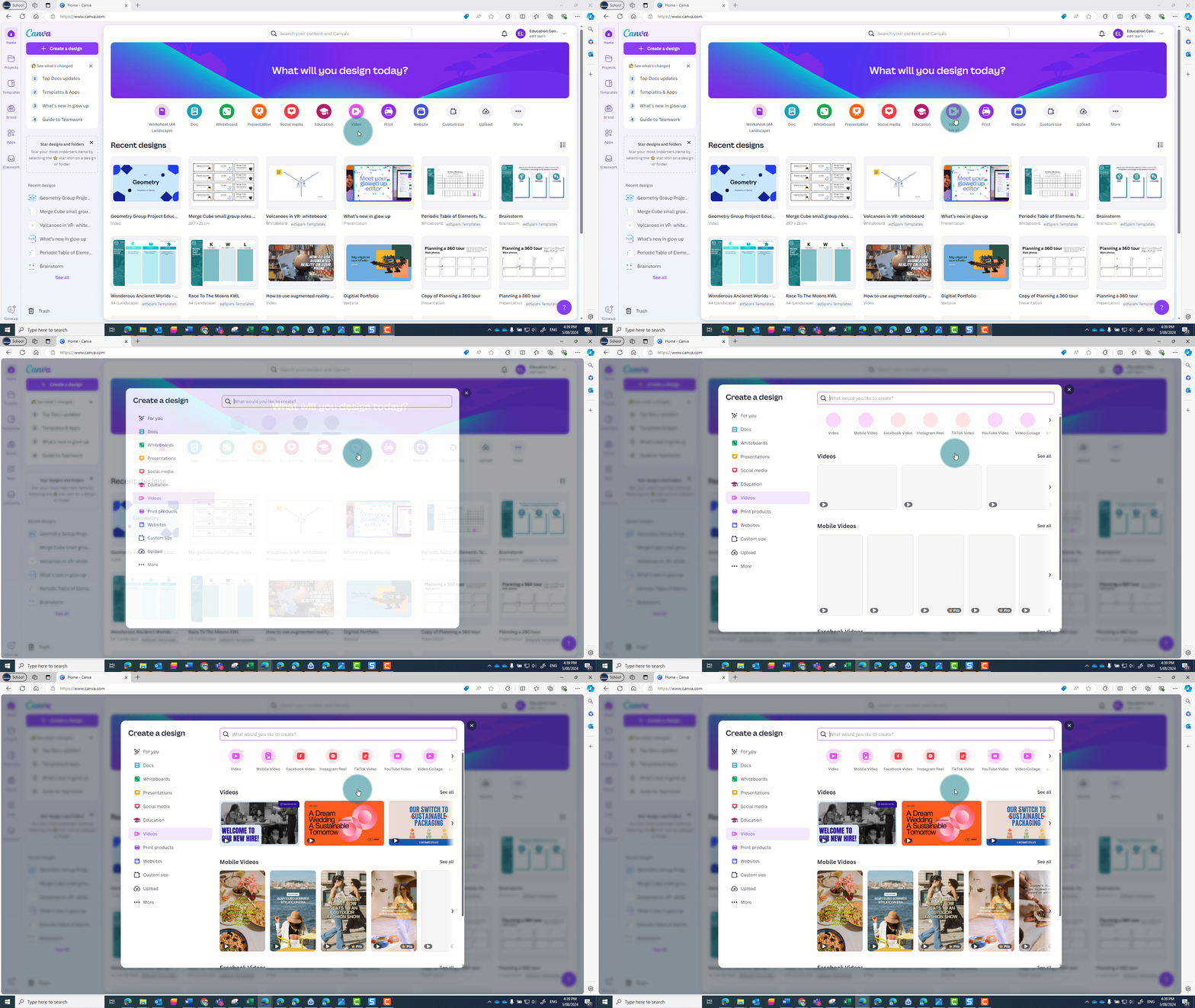
Create videos in seconds with Magic Design
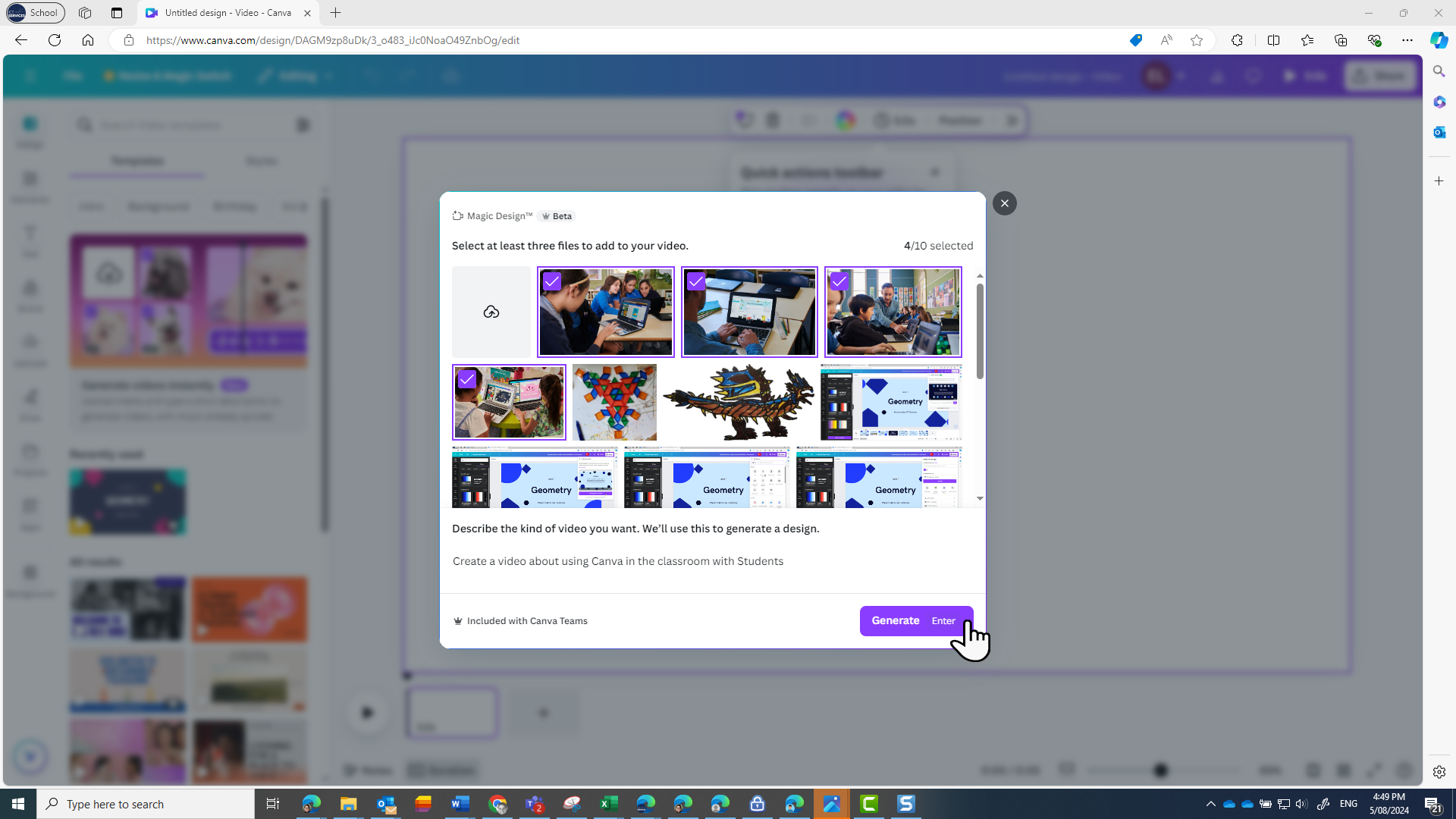
Teachers can use Magic design to create a video in seconds:
- Upload images or video clips into Magic Design.
- Describe your desired output.
- Watch Canva create a video for you.
This feature saves you time and supports diverse student learning styles. You could, for example, transform a step-by-step instruction handout into a video to provide an alternative medium for students. This function is particularly beneficial if you’re taking a flipped classroom approach.
How students can use Canva Video
Encourage students to use Canva Video to show their understanding of a concept. They can:
- record their screens
- use direct audio recording to narrate their learning journey
- compile elements, images and video snippets to construct videos on a chosen topic
- collaborate on projects by sharing the editing link with their partners or teachers for feedback
- share the final product with peers for feedback or with the broader community via the public view link.
Find educational videos to use or adapt in the lesson library
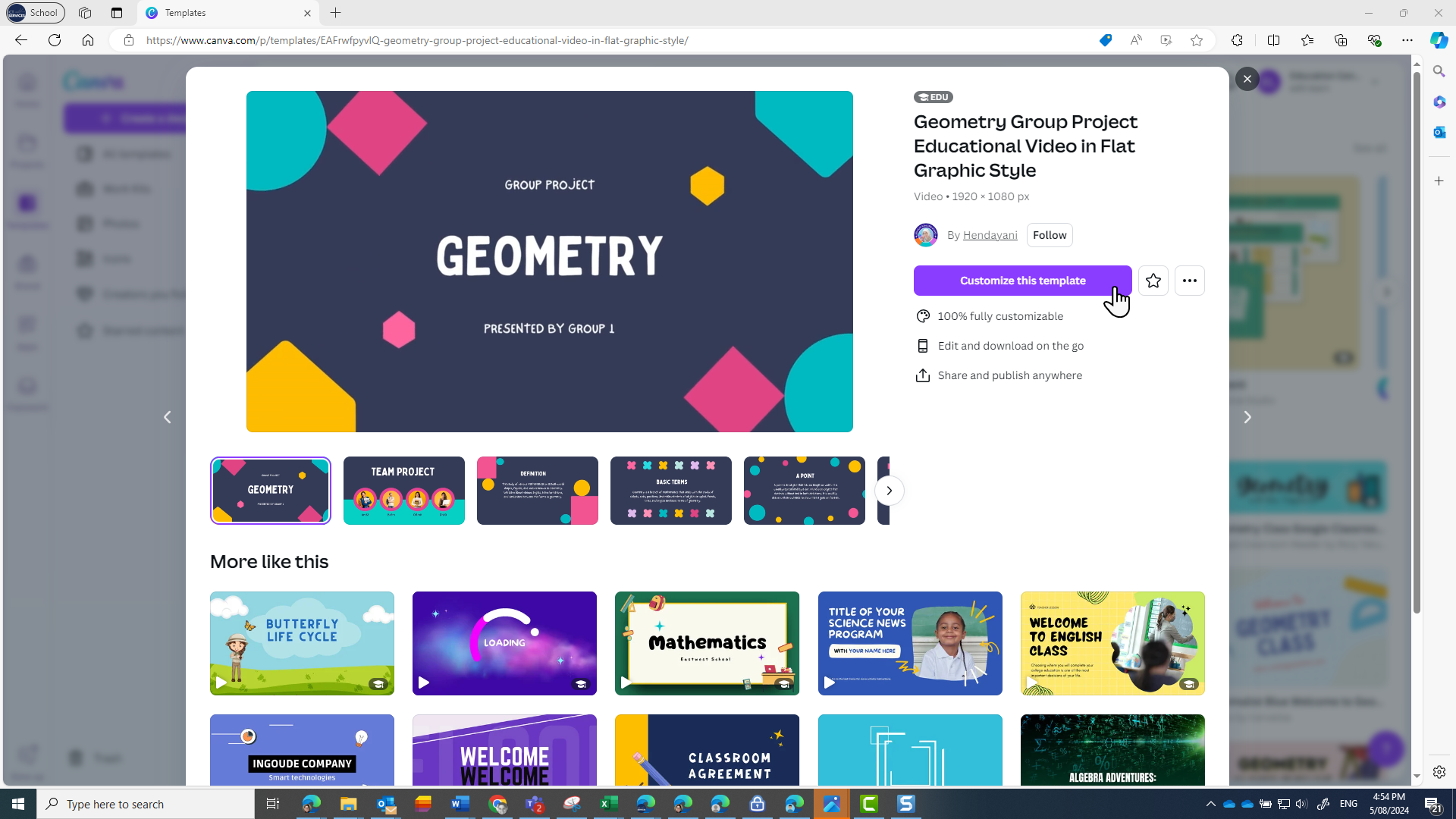
The lesson library lets you filter video templates by grade, subject and topic. You can use the video straight out the box, adapt it to use with your students or share it as a template for your students to adapt.
Video templates are available for subjects including:
- maths
- design and technology
- visual arts
- science.
Using a video is as simple as using the filters, clicking on a video you think is suitable, previewing the slides and then clicking on the Customise this template button.
Learn how to use Canva Videos
You can do self-paced learning with video tutorials – create videos with Canva.
Related content