
Creating and sharing content with Google Sites
Google Sites lets students and teachers create simple, effective and visually appealing websites. Content blocks allow you to easily create websites which are responsive and readable on any device. As of March 2024, Google Sites can be shared within the department but can not be shared externally.
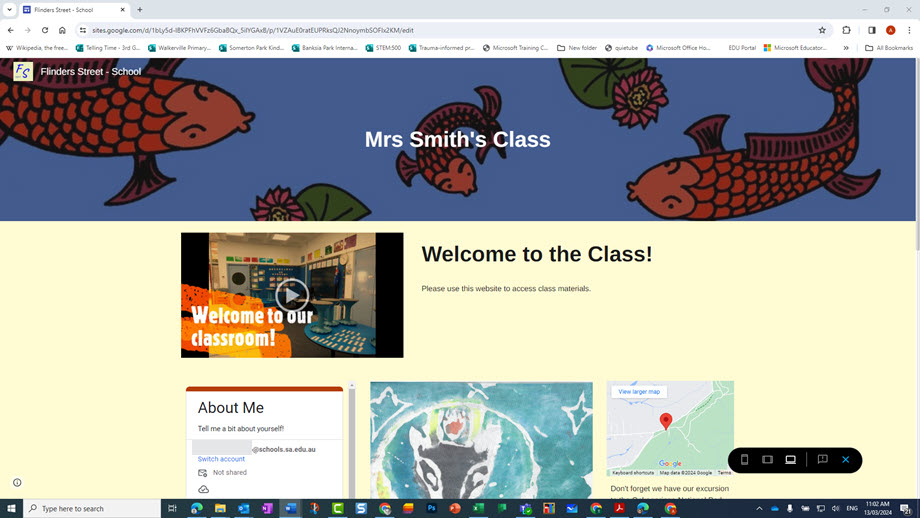
Make class content easy to find
Google Sites allows the compilation of all resources in one place so students and colleagues can find information and class content easily. You can embed other Google Workspace files such as Google Forms, Google Slides, and Google Docs. Showcase student work with image carousels, add links to useful sites, videos, and text information. Share the website link with your students or add individuals to view and edit the site. Content sites can be created for shared units of work so larger student groups can access tailored content for their learning needs.
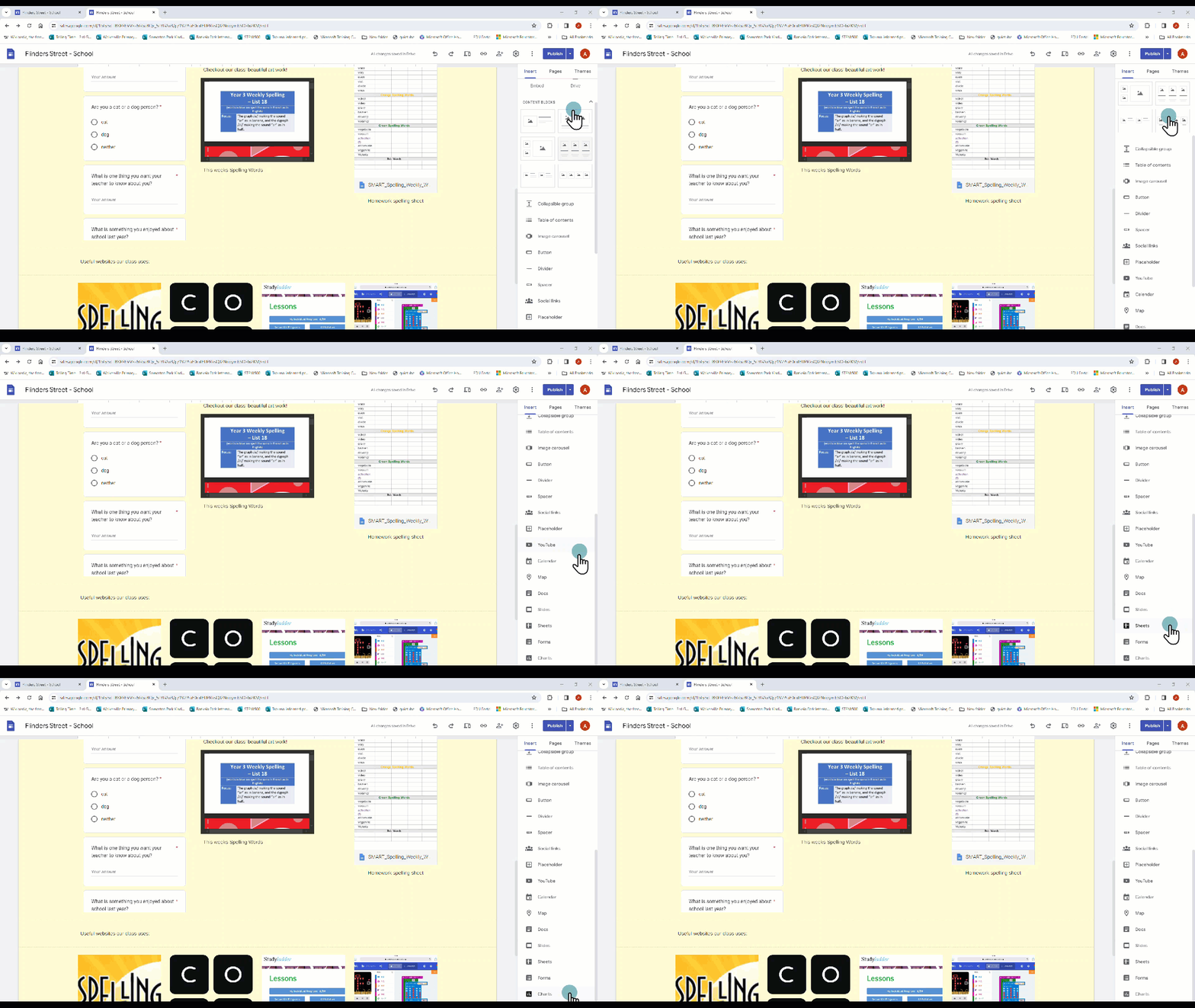
Getting students to become web content designers
Teachers can create a class Google Site and give editing rights to all students to contribute. Students can use Google Sites to present information on research topics or create a digital portfolio. They can work on group assignments and co-create a Google Site to demonstrate their learning. Google Sites can be attached directly within Google Classroom assignments as examples for students to view or as a site for students to contribute and edit.
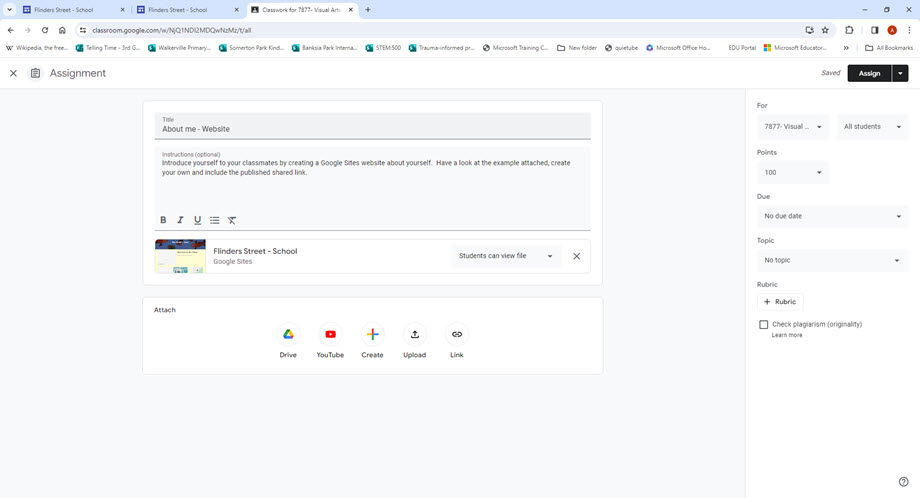
Ways to use Google Sites
Google Sites offer endless possibilities. Some ideas include:
- personal digital teaching portfolio to share with colleagues
- class homepage to share with students
- units of work websites to share learning content with students
- school intranet page for staff information
- option for students to demonstrate learning.