
Getting started with Adobe Premiere Pro
Adobe Premiere Pro is a powerful industry level video editing software. You can use it to produce multimedia in the classroom with even the basic features.
Premiere Pro is part of the Adobe Creative Cloud suite of apps and you need a Creative Cloud licence to use it.
Video and audio editing
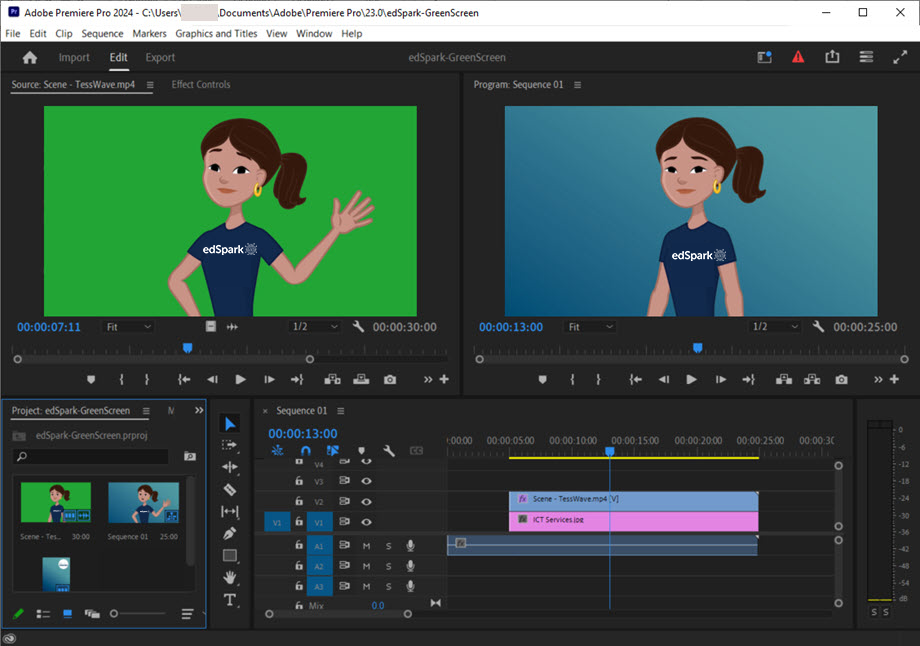
Premiere Pro excels in editing videos to deliver a polished final product however doesn't record video and sound. You can utilise department-provided applications to record your screen and create quality resources for your students. Record video footage using a device with a camera such as an iPad or Surface and then import it into Premiere Pro. It's quick and easy to create videos using greenscreen with the built-in effects features. Premiere Pro supports up to 96 layers of video and audio can be edited directly in the software.
Engaging students with Premiere Pro
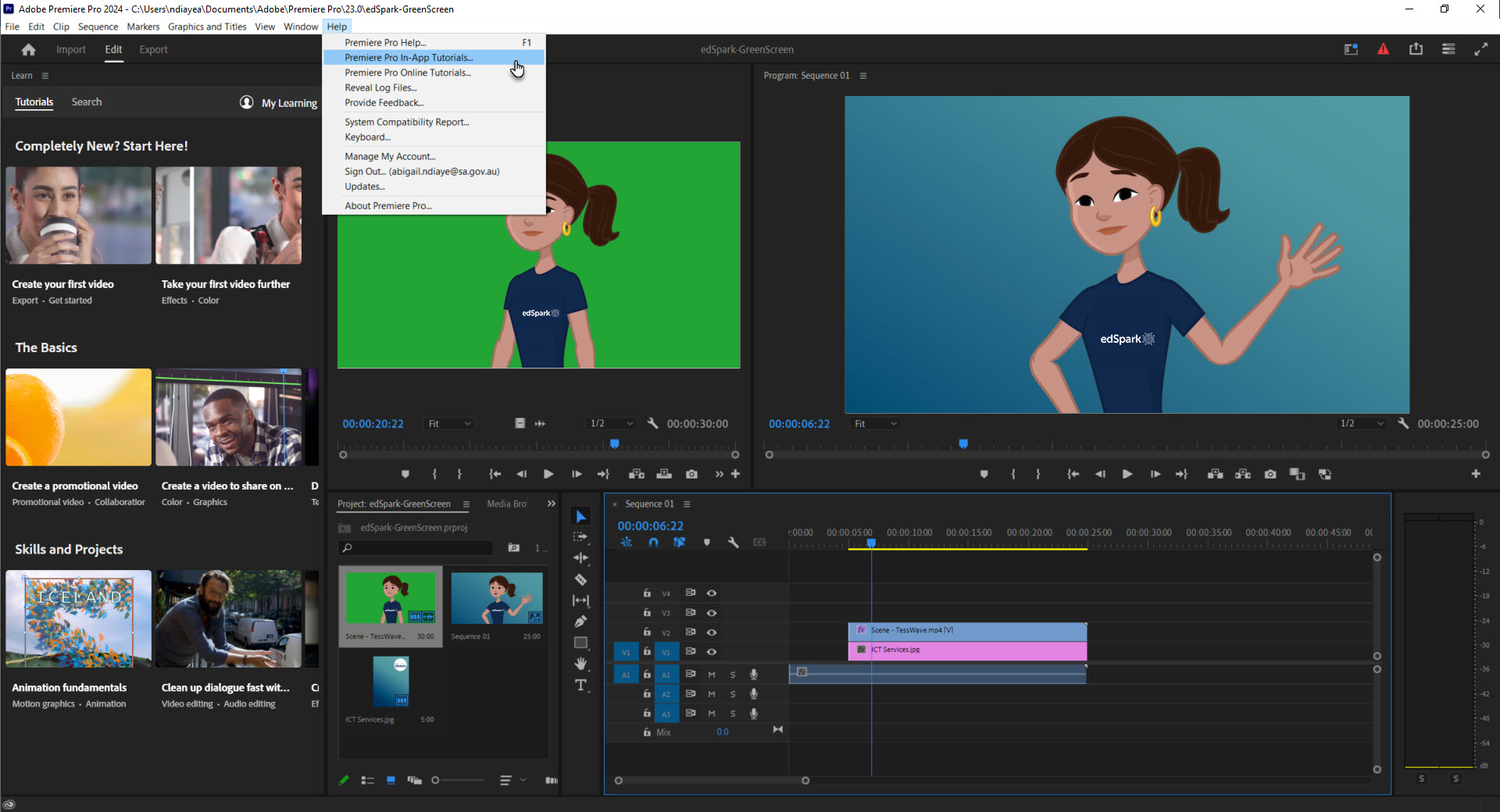
Students who have used less complex video editing tools may find it easier to navigate Premiere Pro. Adobe Express is an excellent entry-level software that students can use to get a feel for editing techniques like trimming and layers. Premiere Pro offers a range of in-app tutorials located under the help section in the top menu to assist students.
Exporting your creations
Adobe Premiere Pro allows you to export your finished products in various formats, making it easy to share your creations. Content can be exported as MP4s, Gifs, QuickTime files and more. Share videos with students through LMSs like Class Teams or embed Gifs in documents. Students can download projects and share them with family and the community for viewing on other devices.
Starting simple
Begin with the basics. Videos don't have to be complex. Start with a few assets like one video and one image in the media browser and build skills from there. Premiere Pro is the industry standard, if you aim to incorporate video into assignments and create content for your students. Your students will gain valuable skills in your class and acquire transferrable skills for the workplace.