
Creating web-based content, presentations or newsletters with Microsoft Sway
Microsoft Sway is a web-based application included in the Microsoft 365 suite of apps. You can use it to create web-based presentations to easily share with the community.
Sway’s prebuilt design templates and web parts bring your content to life. It’s also an excellent tool for students to create digital portfolios or scaffolded information reports.
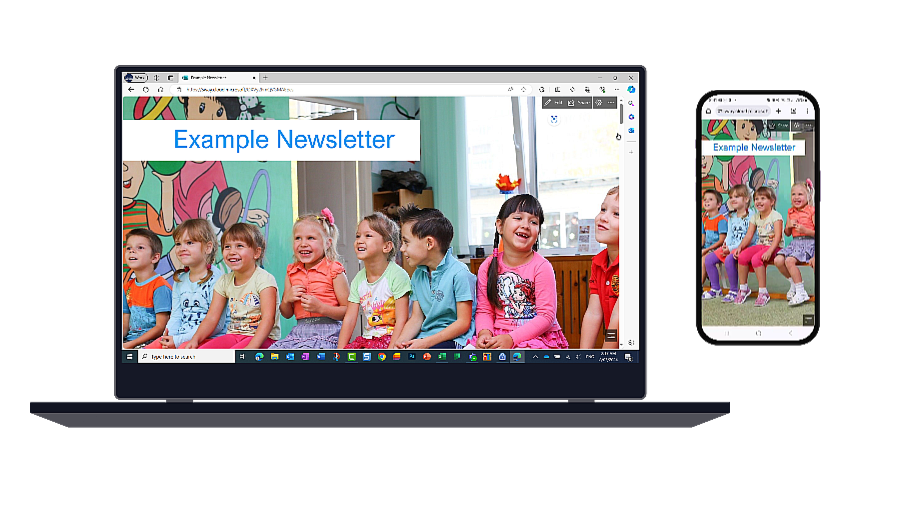
Sway presentations are responsive, meaning they can be viewed on screens of all sizes.
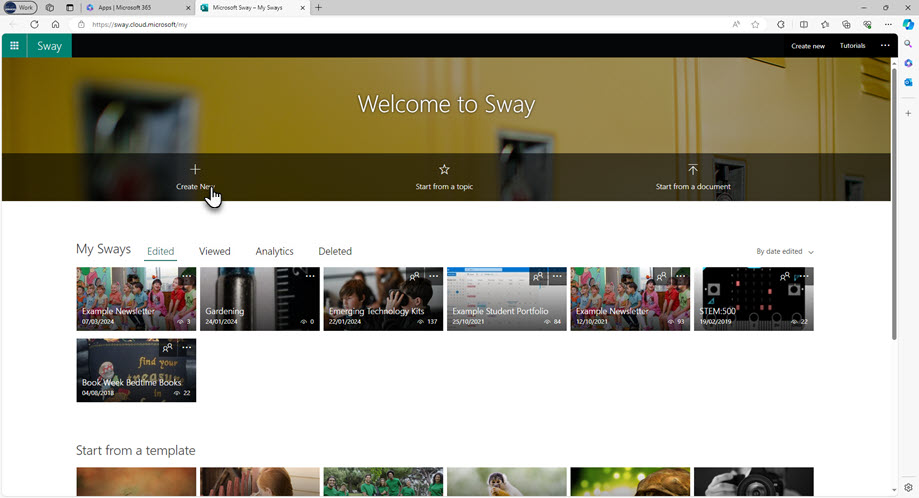
Working together with others
Sway presentations (or Sways) are stored in a personal account. But you can share a presentation to work on it with others. This feature allows multiple contributors to a newsletter or a presentation.
Creating engaging newsletters with rich media
As Sways can be shared externally, they’re ideal for schools to create digital newsletters for families.
You can embed rich media in Sways, such as:
- YouTube videos
- photos
- gifs
- Microsoft Forms and
- other media like Thinglinks .
You can group your content using the built-in layouts, such as stacks or slideshows.
Get insights into how people engage with your content
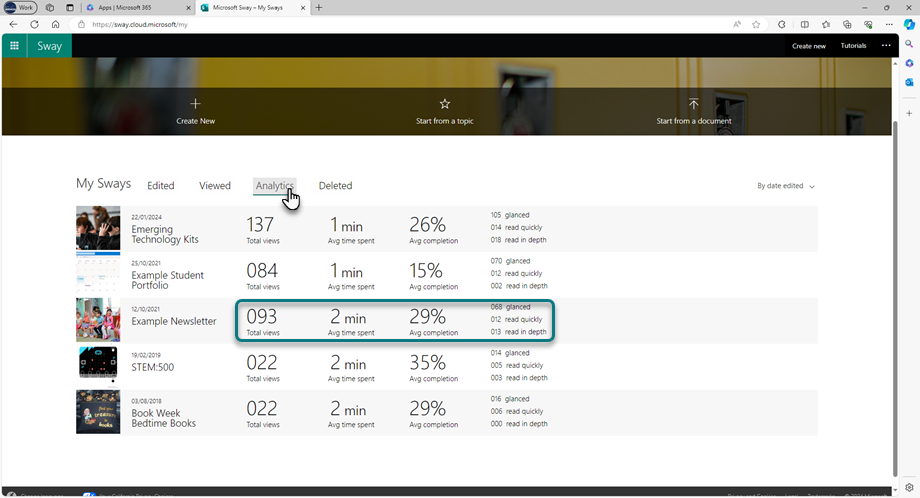
Sway also provides analytics on views and engagement. These insights can help you improve your communications and gauge how effective your messages are.
What you can use Sway for – examples for teachers
Examples of what teachers can do with Sway include:
- school or classroom newsletters – view an example
- professional development presentations – view an example
- sharing videos with families
- professional digital portfolios.
How students can use Sway
Examples of how students can use Sway include:
- creating an information report
- creating a website to share information
- building a digital student to share with community members (such as work experience employers) – view a digital student portfolio example
- co-creating a class newsletter.
Engaging web design for students
Sway provides a user-friendly platform that simplifies the web design process for students. They can start a Sway from scratch or from a topic.
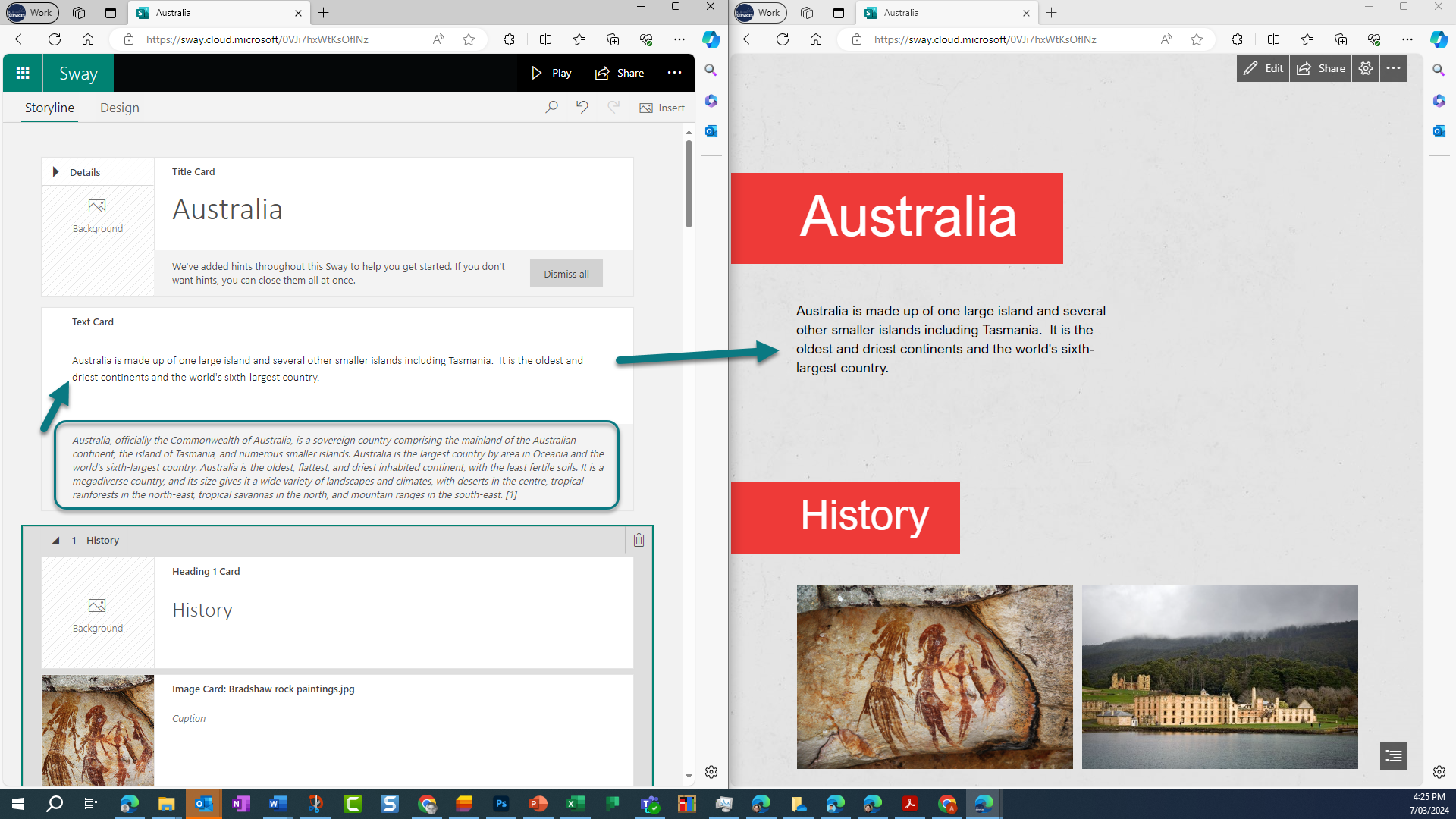
Choosing the start from a topic option provides scaffolding for students to create information reports: Once they’ve entered a topic, Sway pulls information from Wikipedia to create a presentation skeleton. It populates picture fields and extracts text for students to summarise and rewrite, encouraging original content creation.
Resources
Related content